Why website security matters for small businesses
Your website is often the first interaction a potential customer has with your business. Beyond appearance and marketing, it stores customer inquiries, payment details, and sensitive business information. A security breach can damage your reputation, cost you time and money, and put customers at risk.
Common threats you should know
- Malware and ransomware: Malicious code can infect your site, redirect visitors, or lock you out of your own files.
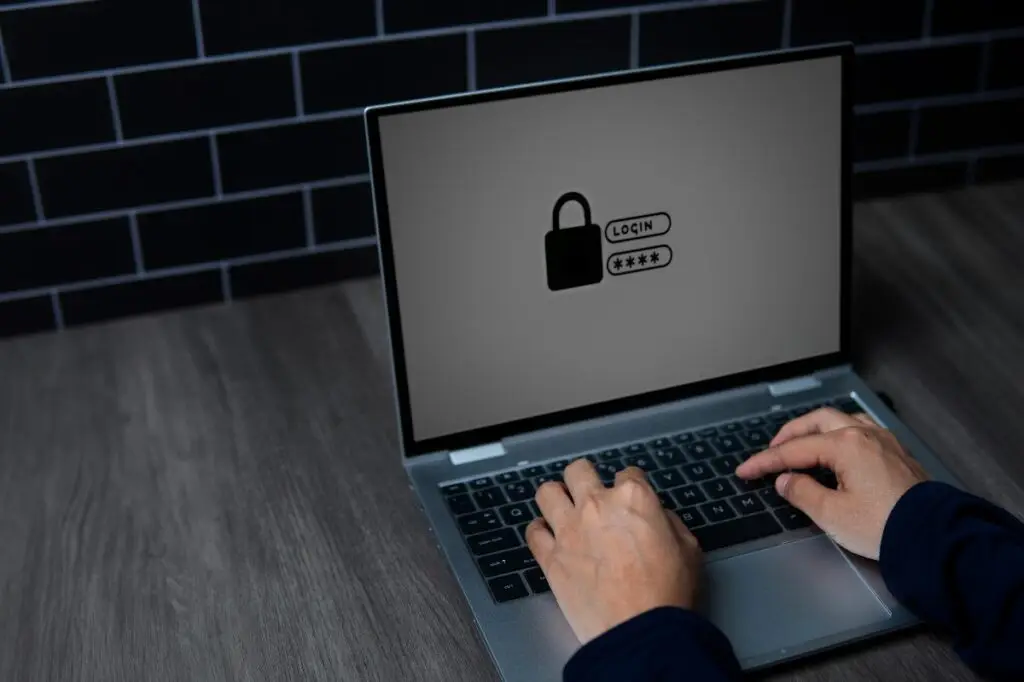
- Brute force attacks: Automated attempts to guess passwords and gain access to admin areas.
- Outdated software or plugins: Vulnerabilities in themes, plugins, or CMS platforms (like WordPress) are a frequent entry point for hackers.
- Phishing and social engineering: Attackers may impersonate vendors to trick employees into revealing credentials.
- Data breaches and compliance risks: If you accept payments or collect personal data, a breach can trigger legal and financial consequences.
Key terms, simply explained
- SSL/TLS: Encrypts data between a visitor’s browser and your site. Look for HTTPS and the padlock icon.
- Two-factor authentication (2FA): Adds a second verification step (like a text code or app) on login, making stolen passwords far less useful.
- Firewall: A web application firewall (WAF) blocks malicious traffic before it reaches your site.
- Malware scan: Automated checks that look for suspicious files or code on your site.
- Backups: Regular copies of your site and database so you can restore quickly after an attack or failure.
Practical steps to secure your website
Security doesn’t require advanced technical skills. Start with these straightforward, high-impact actions:
- Use strong, unique passwords: Encourage complex passwords and never reuse them across accounts.
- Enable two-factor authentication: Add 2FA for admin logins and hosting control panels.
- Keep software updated: Regularly update your CMS, themes, and plugins. Updates often include security patches.
- Install an SSL certificate: Secure customer data in transit and boost trust and search engine visibility.
- Choose secure hosting: Pick a host with malware scanning, automated backups, and security monitoring.
- Limit user access: Grant employees only the permissions they need. Remove old accounts.
- Use a web application firewall (WAF): Block common attacks like SQL injection and cross-site scripting.
- Schedule regular backups: Keep multiple backup copies offsite and test restoration periodically.
- Monitor and log activity: Check login attempts, file changes, and unusual traffic spikes.
- Train your team: Simple awareness about phishing and safe online habits reduces risk significantly.
WordPress-specific safeguards
Because many small businesses use WordPress, these platform-focused steps are important:
- Only install plugins from reputable sources and remove unused plugins and themes.
- Use a managed WordPress host or a maintenance plan that includes security updates and monitoring.
- Set file permissions correctly and protect wp-config.php from public access.
- Limit login attempts and use CAPTCHA on login and contact forms.
What to do if your site is hacked
Even with precautions, breaches can happen. If you suspect a compromise:
- Take the site offline or enable maintenance mode to prevent further damage and stop malicious activity.
- Notify your host and ask for logs and support. Many hosts help with cleanup or guidance.
- Restore from a clean backup made before the infection.
- Scan for malware, change all passwords, and rotate API keys or credentials.
- Investigate how the breach occurred and patch the vulnerability to prevent repeats.
Security vs. budget: what to invest in first
Small businesses often worry about cost. Prioritize low-cost, high-impact measures:
- SSL certificate (many hosts include this free through Let’s Encrypt)
- Regular automated backups
- Strong passwords and 2FA
- Managed hosting or a maintenance plan that includes security monitoring
These steps dramatically reduce your risk without a large monthly cost. For businesses that process payments, consider PCI compliance requirements and secure payment gateways.
How Boise WEB helps small businesses stay secure
At Boise WEB, we know small, blue-collar businesses have limited time and resources. Our approach is professional, transparent, and practical. We offer secure, affordable hosting, automated backups, WordPress updates, and friendly support to help you focus on running your business, not on firefighting website problems. If you’d like, we can review your site and recommend a straightforward security plan tailored to your needs.
Simple ongoing checklist
- Weekly: Check backups and update plugins/themes.
- Monthly: Review user accounts, run a malware scan, and test forms.
- Quarterly: Review hosting logs, renew SSL, and verify recovery processes.
Website security is not a one-time task. With consistent care and sensible tools, you can protect your customers, your reputation, and the time you invest in growing your business.
Contact Boise WEB for an affordable security review and hosting plan.