
Why Turn Blog Posts Into Google Business Profile Updates?
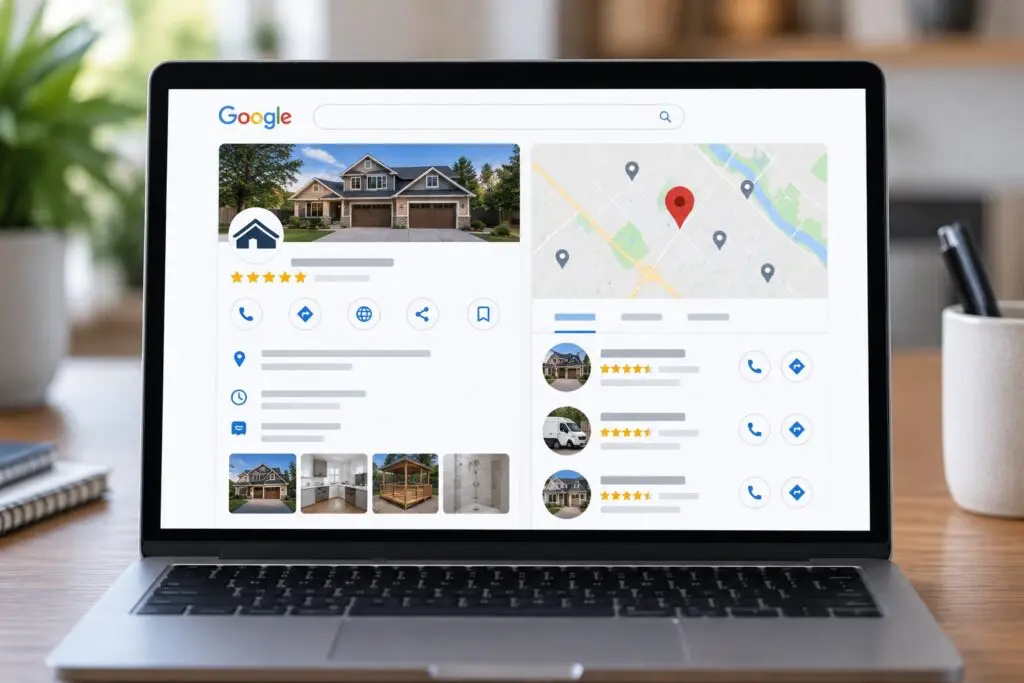
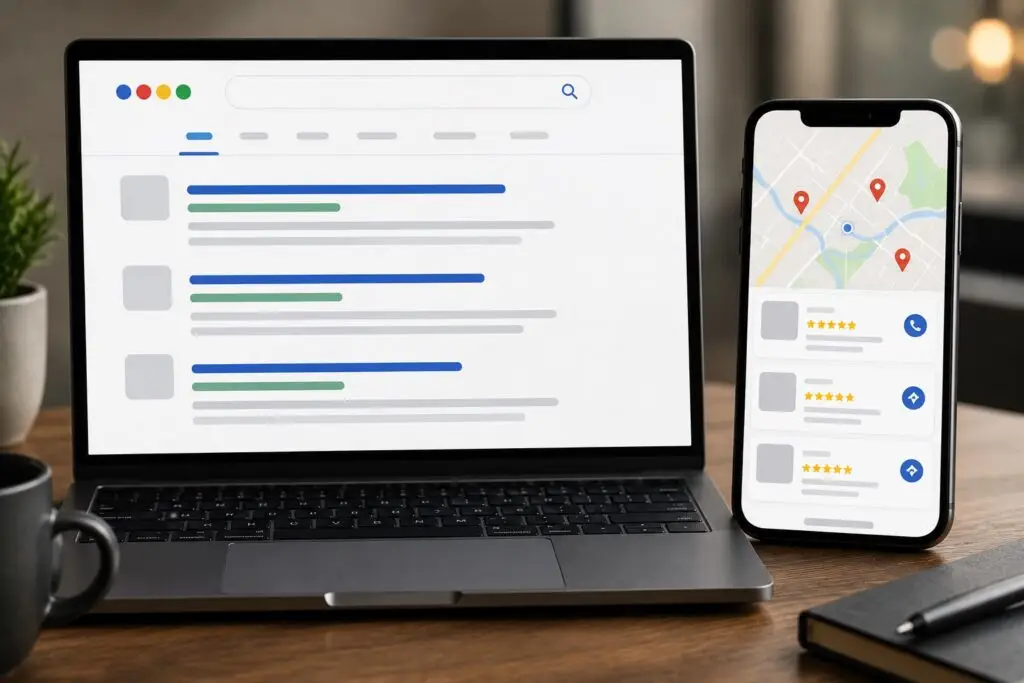
As a small business owner in trades or home services, you don’t have endless hours to create new content. Repurposing existing blog posts into Google Business Profile (GBP) updates is a smart, efficient tactic to keep your listing active, attract local customers, and reinforce your expertise. GBP updates appear on your Google listing and in Google Maps, helping you show up in the local pack and capture attention when people search nearby.
Benefits for Local SEO and Customer Engagement
- Improved visibility: Fresh GBP posts signal relevance to Google and can increase impressions in local search and Maps.
- Faster content production: Turn existing blog content into multiple short updates without starting from scratch.
- Actionable CTAs: GBP posts support direct actions like Call, Book, or Learn More—driving immediate leads.
- Local relevance: You can customize each update for service areas, seasonal needs, and promotions that matter to your customers.
How to Convert a Blog Post Into an Effective GBP Update
- Choose the right blog post. Pick posts with practical, local value—how-to guides, seasonal tips, service spotlights, and customer success stories work best.
- Identify the core message. Extract a single, digestible takeaway or tip from the post. GBP updates should be concise and focused.
- Write a short headline and body. Use a clear headline (up to 58 characters visible in some views) and a short body of 100–300 characters. Start with the benefit: what will the reader gain?
- Use local and LSI keywords naturally. Include phrases like “local plumber in Boise,” “drain cleaning near me,” or “emergency HVAC service” depending on the topic—without stuffing keywords.
- Add a strong CTA and link. Choose a CTA button (Book, Learn more, Call now) and link back to the original blog post or a relevant service/contact page. Use UTM tracking to measure performance.
- Include an engaging image. Use an on-brand photo or graphic. Recommended sizes are at least 720 x 540 px; 1200 x 900 px works well. Images should reflect the service or local context.
- Choose the right post type. Pick from “What’s New,” “Offer,” “Event,” or “Product” depending on the content. Offers and Events have additional fields you can use for dates and redemption details.
Practical Examples for Trades and Home Services
Example 1 — Plumbing (Blog post: Winter Pipe Protection)
- Headline: Protect Your Pipes This Winter
- Body: Freezing temps can burst pipes. Insulate exposed lines and keep a slow drip to prevent damage. Need help? We offer fast winterization services in the Boise area.
- CTA: Call now / Link: Winter plumbing service page
Example 2 — HVAC (Blog post: Improve Indoor Air Quality)
- Headline: Improve Your Home’s Air Quality
- Body: Replace filters and schedule a spring HVAC tune-up to reduce dust and allergens. Book today for same-week appointments in the Treasure Valley.
- CTA: Book online / Link: HVAC tune-up page
Best Practices and Optimization Tips
- Keep posts timely: GBP posts are most effective when relevant—promotions, seasonal tips, and announcements get the best engagement.
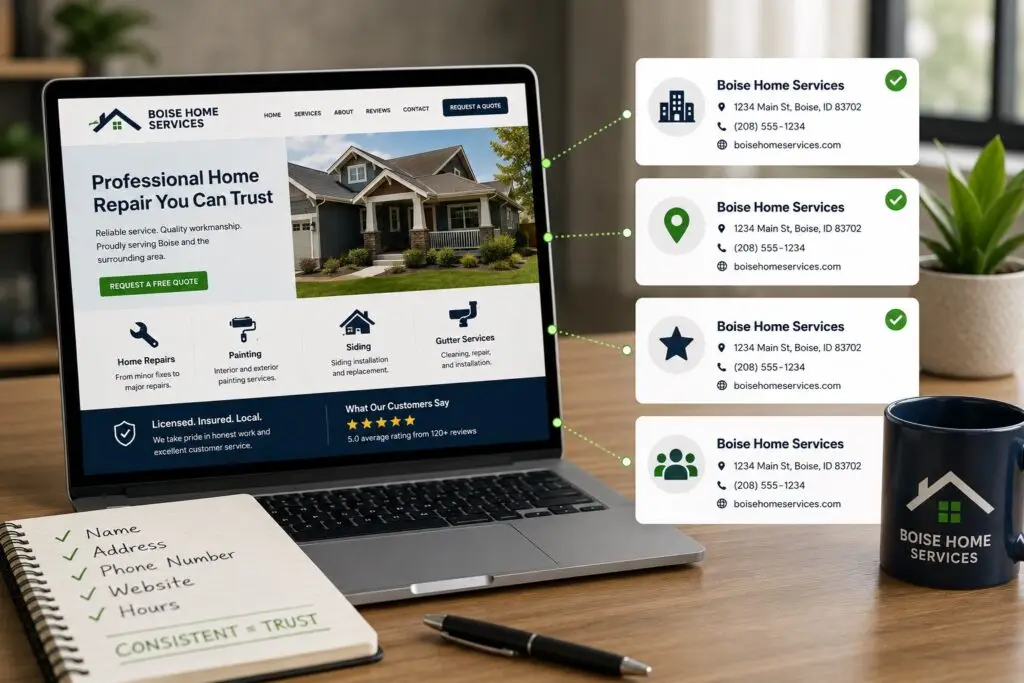
- Maintain NAP consistency: Ensure your business name, address, and phone number match across your website, GBP, and citations to build trust with Google.
- Use UTM parameters: Tag links so you can track traffic from GBP updates in Google Analytics and attribute conversions correctly.
- Post regularly, not excessively: Aim for 1–3 updates per week. Too many posts may dilute impact; too few leaves your listing stale.
- Monitor performance: Check Google Business Profile Insights to see clicks, calls, direction requests, and views. Use that feedback to refine topics and CTAs.
- Test formats: Try Offers or Events when applicable—these can include expiration dates and special pricing that attract action.
- Respect policy: Avoid spammy links, unsupported claims, or inappropriate content. GBP has content guidelines; follow them to prevent penalties.
Workflow to Scale Updates Without Extra Overhead
For busy business owners, a repeatable system saves time:
- Create a monthly content calendar based on your blog archive and seasonal needs.
- Assign a staff member or your web partner (like Boise WEB) to extract 4–8 highlights each month.
- Draft short headlines and character bodies for each highlight.
- Select images and tag links with UTM codes.
- Schedule posts with your GBP dashboard or a tool that supports Google Business Profile posting.
- Review analytics monthly and iterate on topics that drive calls or bookings.
Measuring Success
Track metrics that matter to your business: clicks, map direction requests, phone calls, and website visits from GBP posts. Compare those results to baseline performance before posting. Over time, an active GBP combined with helpful blog content strengthens your local search presence and increases quality leads.
Final Thought
Turning blog posts into Google Business Profile updates is a high-ROI tactic for small, local businesses. It stretches existing content, reinforces local relevance, and creates direct paths for customers to contact you. If managing this feels overwhelming, Boise WEB can set up a simple system to repurpose your content and keep your GBP active and converting.
Ready to turn your blog into leads? Contact Boise WEB today.