
Why an annual website review matters
At the start of each year, a focused website audit helps you spot issues before they erode traffic or customer trust. For small business owners, especially in trades and home services, a dependable site drives calls, requests, and booked jobs. An annual review keeps your site fast, secure, and aligned with your marketing goals so you can convert more visitors into customers.
How to prepare for an audit
Gather access to your analytics (Google Analytics or similar), Google Search Console, hosting control panel, CMS admin (WordPress), and any marketing accounts. Set clear goals: more phone calls, higher local search rankings, or better lead form completion. Prioritizing goals makes the audit focused and actionable.
Core areas to audit
- Performance & hosting Page speed and uptime influence user experience and SEO. Run tests with tools like Google PageSpeed Insights, Lighthouse, or GTmetrix. Check:
- Page load time (aim for under 3 seconds)
- Largest Contentful Paint (LCP) and Cumulative Layout Shift (CLS)
- Hosting responsiveness and recent downtime
- Image optimization, caching, and minified CSS/JS
If load times are slow, consider better hosting, a content delivery network (CDN), or compressing images. These steps reduce bounce rates and help mobile users—crucial for local customers searching on the go.
- Mobile & responsive design More searches now come from mobile devices. Use Google’s Mobile-Friendly Test and manually review navigation, button sizes, font legibility, and form usability. Ensure phone numbers are clickable and contact forms work on small screens.
- Search engine optimization (SEO) SEO includes on-page, technical, and local elements. Key checks:
- Title tags and meta descriptions are unique, descriptive, and properly sized.
- Header structure (H1, H2) is logical and keyword-aware without stuffing.
- XML sitemap is updated and submitted to Google Search Console.
- Robots.txt file doesn’t accidentally block important pages.
- Schema markup (structured data) for local business, services, and reviews to help rich results.
- Check crawl errors and indexing status in Google Search Console.
Define keywords related to your services (for example: “plumbing repair near me,” “emergency electrician,” “HVAC maintenance”) and ensure they appear naturally in service pages and FAQs.
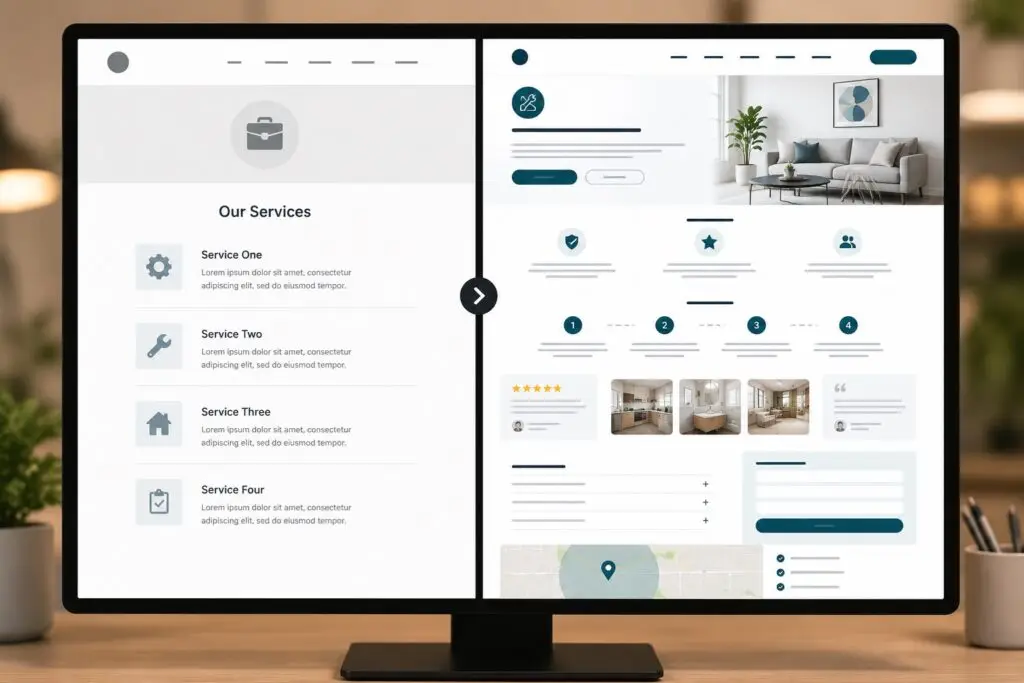
- Content quality & messaging Content should speak directly to your ideal customer. For trades and home services, emphasize trust-building details: licensing, service area, guarantees, before-and-after photos, and clear calls-to-action (CTA). Update outdated pages, remove duplicate content, and add fresh articles or local landing pages if needed.
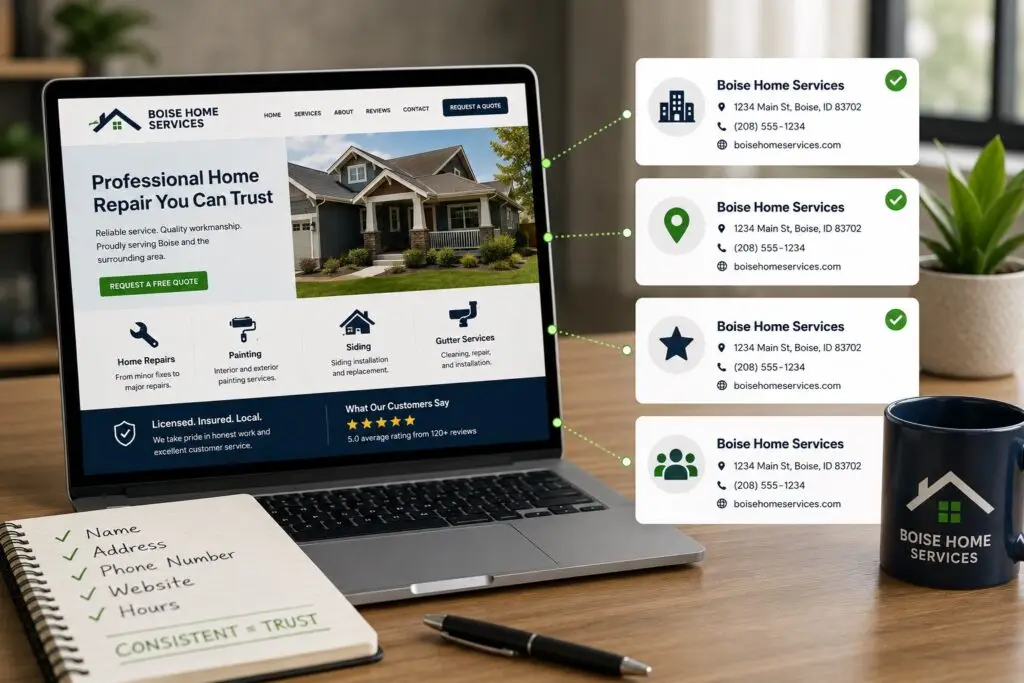
- Local search & Google Business Profile Consistent Name, Address, Phone (NAP) across your site and directories impacts local rankings. Review your Google Business Profile: hours, categories, description, photos, and recent reviews. Respond promptly to reviews and resolve any listing issues.
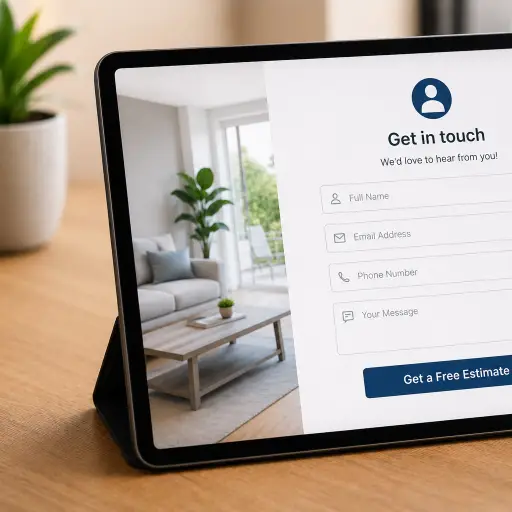
- Conversions & user experience Track key conversion points: contact forms, phone clicks, quotes, and appointment bookings. Use heatmaps or session recordings if available to identify friction. Improve CTAs, simplify forms, and add trust signals like testimonials, badges, and clear pricing when possible.
- Security & maintenance Security protects your business and customers. Confirm:
- SSL certificate is valid and the site uses HTTPS.
- CMS, plugins, and themes are up to date.
- Backups run regularly and can be restored.
- Malware scans are clean and user accounts follow best practices for passwords.
Small sites are frequent targets. Simple maintenance reduces the chance of downtime and data loss.
- Technical health Review site architecture and technical issues:
- Fix redirect chains, eliminate broken links (404s), and repair missing images.
- Ensure canonical tags prevent duplicate content problems.
- Check image alt attributes for accessibility and SEO benefit.
- Backlinks & reputation Analyze backlink quality in Search Console or an SEO tool. Remove spammy links and cultivate reputable links from local partners, suppliers, and community organizations to build authority.
- Accessibility & compliance Basic accessibility improves usability for everyone and lowers legal risk. Check color contrast, keyboard navigation, alt text, and readable font sizes.
A simple audit checklist you can use
- Run site speed test and record baseline metrics
- Verify mobile usability and phone click-to-call
- Update title tags, meta descriptions, and H1s
- Submit sitemap and check index coverage
- Confirm SSL, backups, and plugin updates
- Review Google Business Profile and NAP consistency
- Test all primary conversion paths
- Scan for broken links and 404 pages
- Collect site analytics for last 12 months and compare
Who should run the audit?
Small business owners can do much of this themselves with a prioritized checklist. However, consider working with a local web partner for technical fixes, speed improvements, or structured data implementation. At Boise WEB, we focus on practical, affordable work that helps trades and home services get measurable results.
How to act on findings
After the audit, group issues by priority and impact. Fix security and uptime problems first, then performance and SEO items that affect traffic and conversions. Create a timeline with responsible parties and track changes in analytics to measure improvement.
Final note
An annual website review is an investment that protects your online presence and turns your site into a reliable lead source. A short, structured audit each January sets the tone for the year and helps you get more value from your web presence.
Ready for a professional website check? Contact Boise WEB today to schedule your annual audit.