
Create Location Pages That Rank: A Step-by-Step Guide
For small businesses, especially trades and home services, a well-built location page is one of the fastest ways to show up when neighbors search for help. A location page (or landing page for a specific city or service area) tells search engines and customers exactly where you operate, what you do, and why they should choose you. This guide gives practical, actionable steps you can follow today to make location pages that rank and convert.
Why location pages matter
Local search is intent-driven. People searching “plumber near me” or “roof repair Boise” are often ready to hire. A targeted location page improves your chances of appearing in:
- Google Business Profile results
- Local map pack (the map and top local listings)
- Organic search results for city-specific queries
Core elements of a high-performing location page
Each location page should include these essentials:
- Clear title tag and meta description — Include the city and primary service in the title. Keep meta descriptions persuasive and local.
- Unique, local-focused headline and intro — Open with value: who you serve and where. Avoid duplicate content across pages.
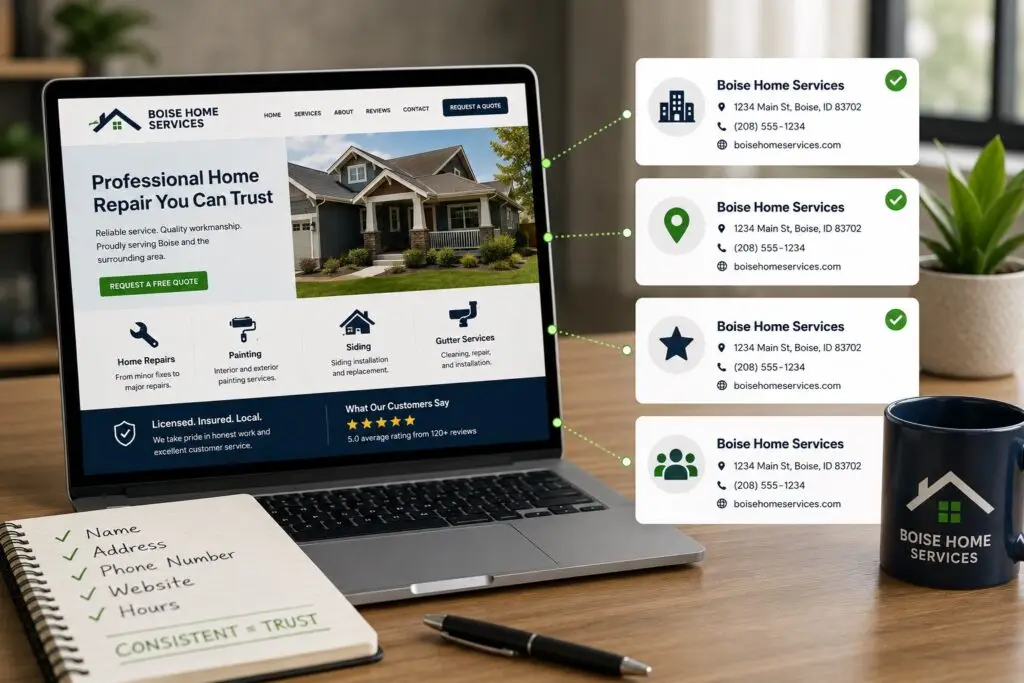
- NAP details — Name, Address, Phone. Use phone numbers that match your Google Business Profile and local citations.
- Service details and local context — Describe the services you offer in that location and reference recognizable neighborhoods, landmarks, or service zones.
- Customer reviews and testimonials — Showcase local reviews to build trust and improve click-through and conversion rates.
- Schema/structured data — Add LocalBusiness or Service schema to help search engines understand the page.
- Calls to action — Include click-to-call, booking links, or request-a-quote forms prominently.
Step-by-step creation process
- Research local search terms: Use tools like Google’s autocomplete, Keyword Planner, or local rank trackers to find phrases such as “electrician [city],” “AC repair near me,” or “drain cleaning [neighborhood].”
- Create unique content: Write 500–1,000 words that focus on the location and service. Explain common local problems, your approach, and what’s included. Avoid copying your homepage.
- Optimize on-page SEO:
- Title tag: “[Service] in [City] — [Business Name]”
- H1: simple, local headline
- Use the target keyword naturally in the intro, a subheading, and a few times through the body (don’t overdo it)
- Include internal links to service pages and your contact page
- Add LocalBusiness schema: Implement structured data with your address, phone, service area, and opening hours. This helps Google display rich results.
- Showcase local proof: Embed Google reviews or list relevant testimonials. Include photos of completed work in the area when possible.
- Build local citations: Ensure your NAP is consistent across directories (Yelp, industry sites, local chambers). Inconsistent citations can confuse search engines and harm rankings.
- Link and promote: Get local backlinks—sponsorships, partnerships, community posts, or local news mentions. Share the page on social and in local listings.
- Monitor and iterate: Track rankings, clicks, and conversions. A/B test calls-to-action, adjust content for common questions, and refresh photos and reviews regularly.
Technical checklist
- Mobile-friendly design (most local searches happen on phones)
- Fast page load time (optimize images, use caching)
- Canonical tags if you have similar pages
- HTTPS and secure hosting
- Schema markup validation
Common pitfalls to avoid
- Duplicate content across multiple location pages — write unique copy for each area.
- Overloading pages with keyword variations — prioritize clarity for customers.
- Neglecting conversion elements like click-to-call buttons and clear service pricing or estimates.
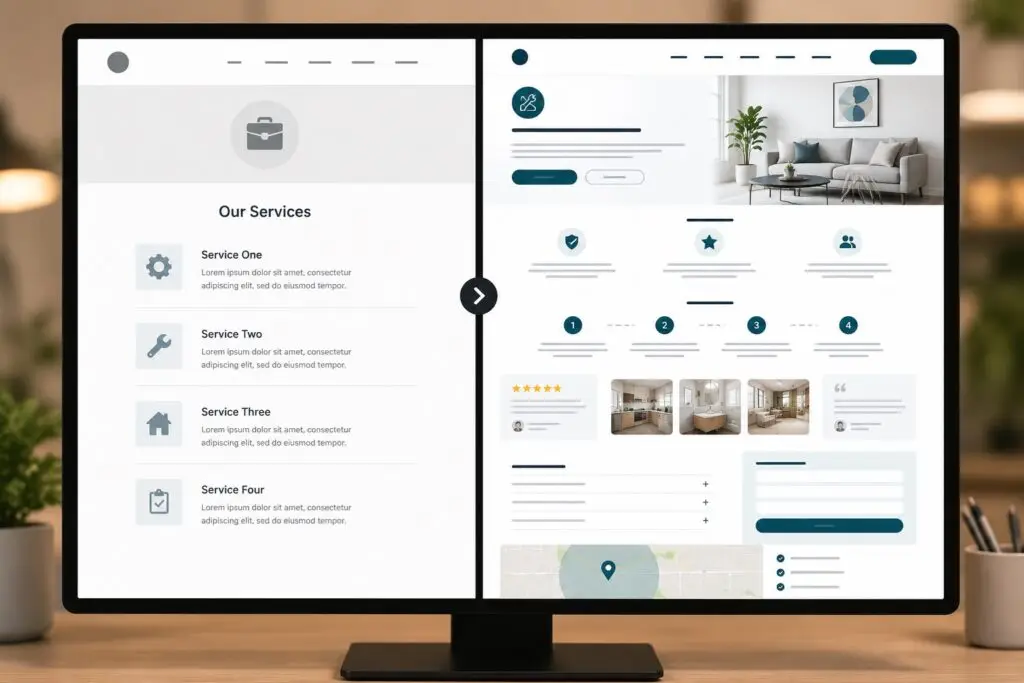
Example outline for a technician or trades location page
- Title: AC Repair in Boise — Boise WEB Client
- H1: AC Repair in Boise
- Intro paragraph: short, local, benefit-driven
- Services offered (list with brief details)
- Why choose us (guarantees, licensing, insurance)
- Local testimonials and project photos
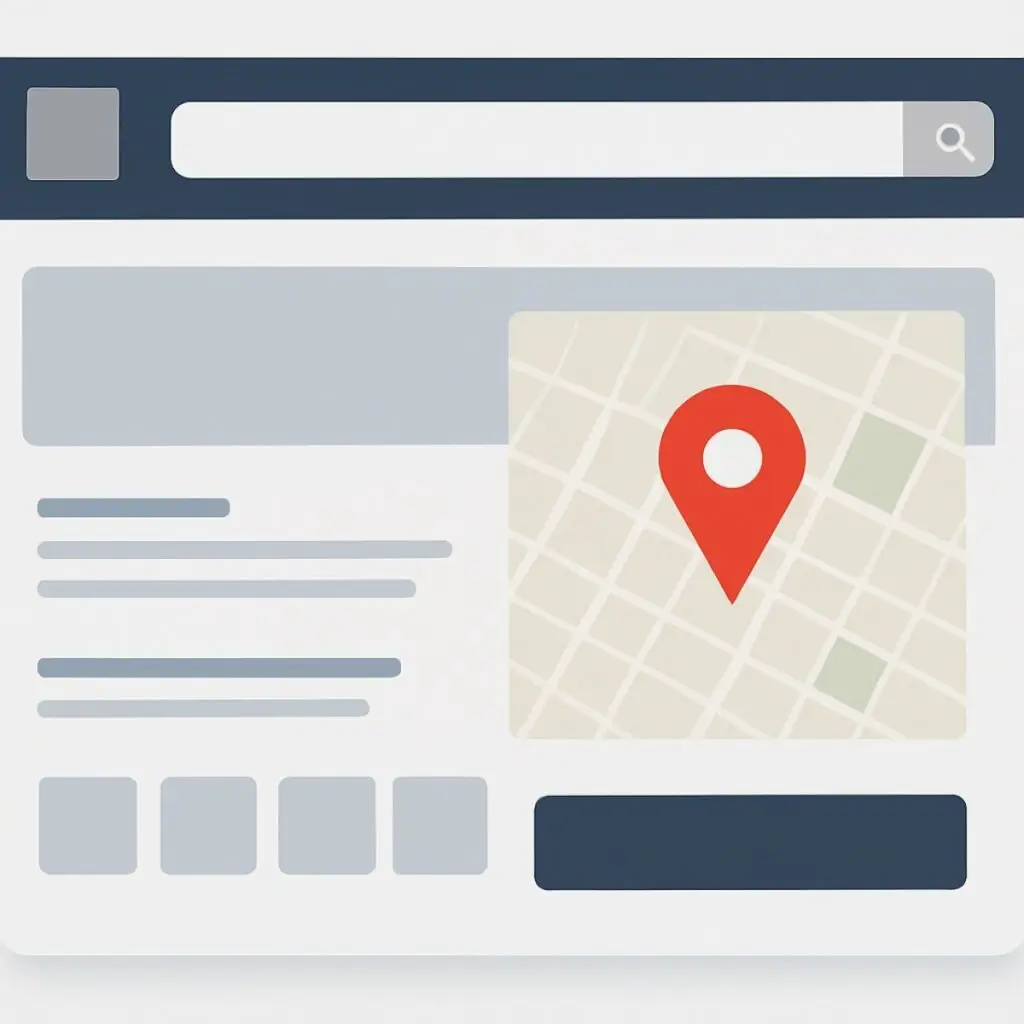
- Service area map and neighborhoods covered
- Contact block with click-to-call and booking form
- FAQ addressing pricing, response time, and warranty
How Boise WEB helps
At Boise WEB, we build local SEO-friendly pages that balance search visibility and real-world conversions. We know small business owners in trades need straightforward, affordable solutions—content that speaks to customers and technical SEO that gets results. If you’d rather focus on projects than page markup, our team can create location pages, add schema, and manage your local citations so you show up where it counts.
Good location pages are a mix of relevance (keywords and schema), authority (reviews and backlinks), and conversion (clear contact options). Follow these steps, measure results, and keep improving. The effort pays off in more calls, booked jobs, and local leads.
Contact Boise WEB to launch location pages that drive local leads.