
Why updating website content matters
For busy small business owners, website updates can feel like something to squeeze in between jobs. Yet keeping your website current is one of the most effective and low-cost ways to attract new customers. Fresh content signals to search engines that your site is active, improves user experience, and helps you convert visitors into paying clients.
Business benefits of frequent content refreshes
- Better local SEO: Regular updates, especially to service pages and blog posts, help search engines understand your relevance for local queries.
- Higher trust and conversions: Accurate service descriptions, up-to-date testimonials, and recent project photos reassure visitors and increase booking or call rates.
- Improved site performance: Routine maintenance often includes image optimizations, broken-link fixes, and speed improvements that keep visitors engaged.
Signals you should update content now
You don’t need to refresh everything constantly. Use these clear indicators that content needs attention:
- Outdated pricing, services, or hours: Any factual change should be updated immediately.
- Declining traffic or conversions: If a page that once performed well loses visits or leads, revise copy, call-to-action (CTA), or keywords.
- New competitor offerings: When competitors add services or promotions, update your pages to stay competitive.
- Seasonal demand: Add seasonal offers and service reminders before peak months.
- Google Search Console warnings: Fix coverage errors, mobile usability issues, or pages with heavy drop-offs.
Recommended content update cadence
Below is a practical schedule you can apply based on page type. Tailor frequency to your business size and capacity.
- Homepage: Review monthly, update when promotions, hours, or core messaging change.
- Service pages: Review quarterly. Update when you add services, change pricing, or get new photos and case studies.
- Blog posts: Publish new posts 1–4 times per month depending on capacity. Refresh top-performing posts every 3–12 months to update facts, keywords, or internal links.
- Contact and About pages: Review every 6 months or whenever staff, certifications, or contact info changes.
- Technical elements (meta descriptions, title tags, structured data): Audit quarterly. Small tweaks to titles and meta descriptions can boost click-through rates.
- Security and platform updates (CMS, plugins): Apply as soon as updates are available or on a monthly maintenance schedule to avoid vulnerabilities.
How to prioritize updates
Not all updates are created equal. Prioritize by impact and effort:
- High impact, low effort: Update meta descriptions, fix broken links, replace outdated images, or add a recent testimonial.
- High impact, high effort: Rewriting cornerstone pages, creating new service landing pages, or redesigning conversion funnels—schedule these projects into a quarterly plan.
- Low impact: Minor wording tweaks on low-traffic pages—do them as time allows.
Practical workflow for small business owners
Keep updates simple and consistent with this step-by-step workflow:
- Set a monthly review date on your calendar to check analytics and priority pages.
- Use Google Analytics and Search Console to find pages with declining traffic or high bounce rates.
- Create a short content brief (goal, target keyword, CTA) before editing a page.
- Make measurable changes: update headlines, add a clear CTA, refresh photos, and improve page load time.
- Track results for 4–8 weeks and iterate based on performance.
SEO and user experience tips when updating content
- Target intent, not just keywords: Write for customers searching for the service or solution you offer; aim to answer their questions.
- Keep meta titles and descriptions accurate: A compelling meta description increases clicks from search results.
- Optimize images: Compress files, add descriptive alt text, and use modern formats to improve page speed.
- Internal linking: Add links from your blog to service pages to pass SEO value and keep users on your site longer.
- Mobile-first approach: Test pages on phones and tablets to ensure a smooth user experience.
Measure success: key metrics to watch
Use a few focused metrics to evaluate if updates are working:
- Organic traffic: Are visits from search engines increasing?
- Click-through rate (CTR): Changes to titles and meta descriptions should lift CTR in search results.
- Conversion rate: Are visitors calling, booking, or requesting a quote more often?
- Bounce rate and time on page: Better content should keep users engaged longer.
Quick checklist before publishing updates
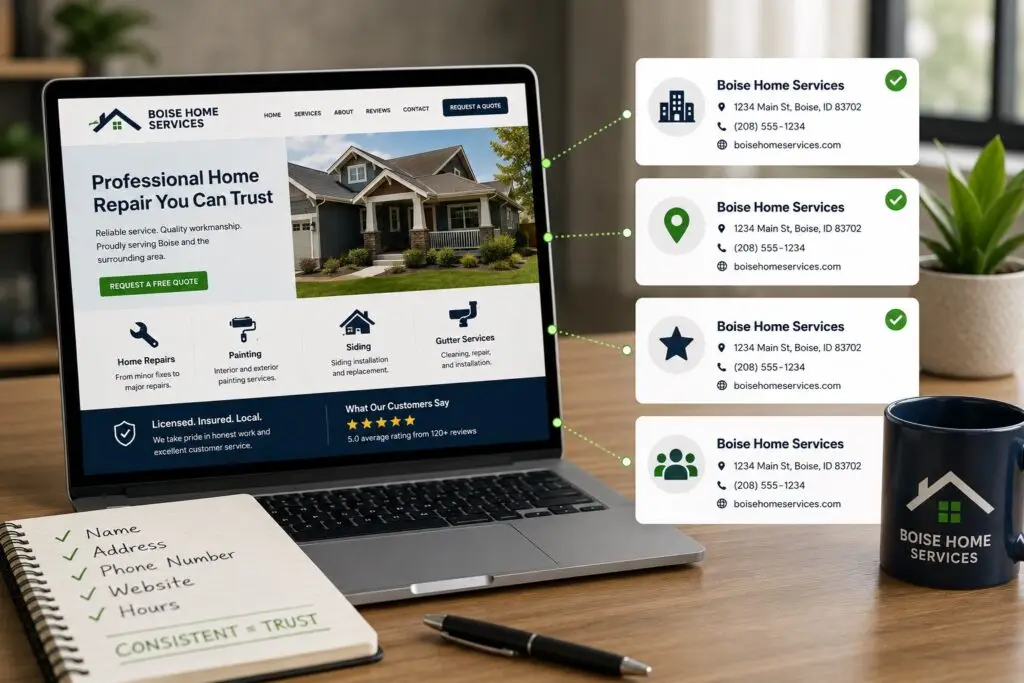
- Accurate contact info and hours
- Clear, visible call-to-action
- Optimized headline and meta description
- Compressed images with alt text
- Broken links fixed
- Responsive layout on mobile
How Boise WEB can help
As a small-business focused web team, Boise WEB understands that you wear many hats. We provide affordable, professional support for website updates, local SEO, and hosting so you can focus on running your business. Whether you need a content calendar, monthly updates, or an audit that pinpoints the highest-impact changes, our USA-based team makes communication easy and outcomes measurable.
Keeping your website fresh doesn’t have to be overwhelming. With a simple schedule, clear priorities, and periodic audits, your site can be a reliable tool to generate new leads and show your best work to potential customers.
Ready to update your site? Contact Boise WEB for an affordable content plan.