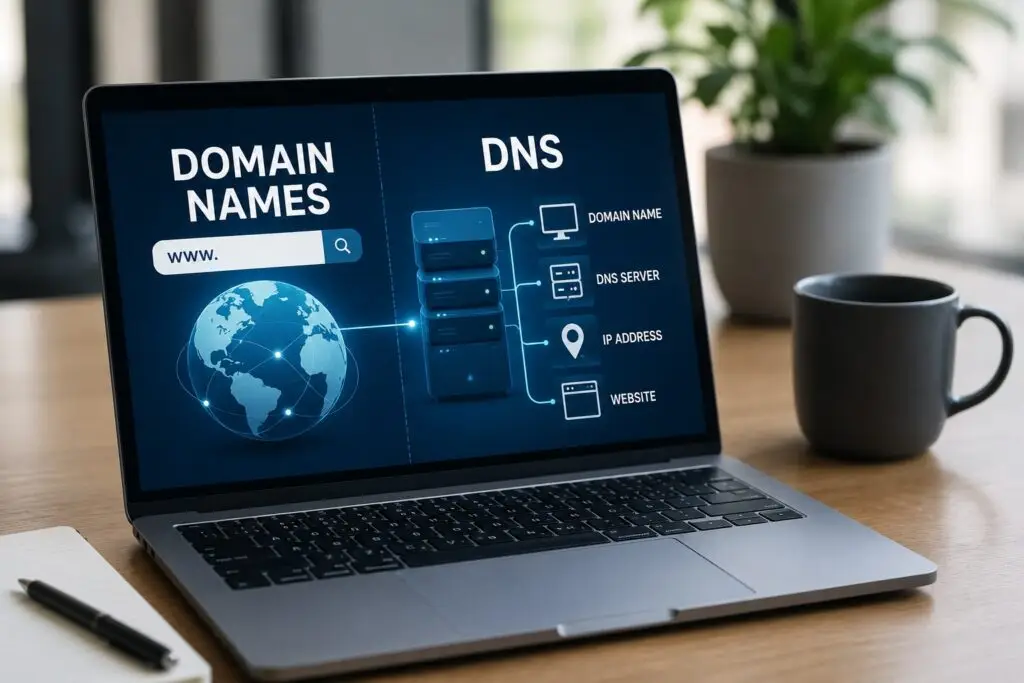
If you run a small business, your domain name and the Domain Name System (DNS) are more important than you might think. Your domain is your address on the web. DNS is the phonebook that tells browsers and email systems where to go. Misconfigured domains or DNS records can cause lost leads, broken email, and downtime. This article breaks down the essentials so you can make smart choices without getting bogged down in technical detail.
What is a domain name?
A domain name is a human-friendly address like example.com. It maps to an IP address that points to your website or email server. Key parts of a domain include the root name, the second-level domain (your brand), and the top-level domain (TLD), such as .com, .net, .biz, or country codes like .ca or .uk. Choose a domain that is short, easy to spell, and aligned with your brand. Avoid long hyphenated names and names that are easily confused with competitors.
What is DNS?
DNS (Domain Name System) translates domain names into IP addresses. DNS records control how traffic is routed. Common DNS records include:
- A record – points a domain to a numeric IP address for a web server.
- CNAME – aliases one domain name to another (useful for subdomains).
- MX record – directs email to your mail server.
- TXT record – used for verification, SPF, DKIM, and domain ownership.
- NS record – specifies the authoritative nameservers for your domain.
Why domains and DNS matter for your business
Broken DNS or expired domains can make your website inaccessible and stop email. For small businesses, every missed call or lost estimate can cost real revenue. Proper domain management ensures customers find you online, email gets delivered, and online tools like appointment booking or payment portals keep working.
Practical tips for domain selection
- Pick a memorable domain that represents your business name or service. If possible, get the .com or the local TLD for your market.
- Keep it short and avoid complex spellings. Test it aloud and in writing.
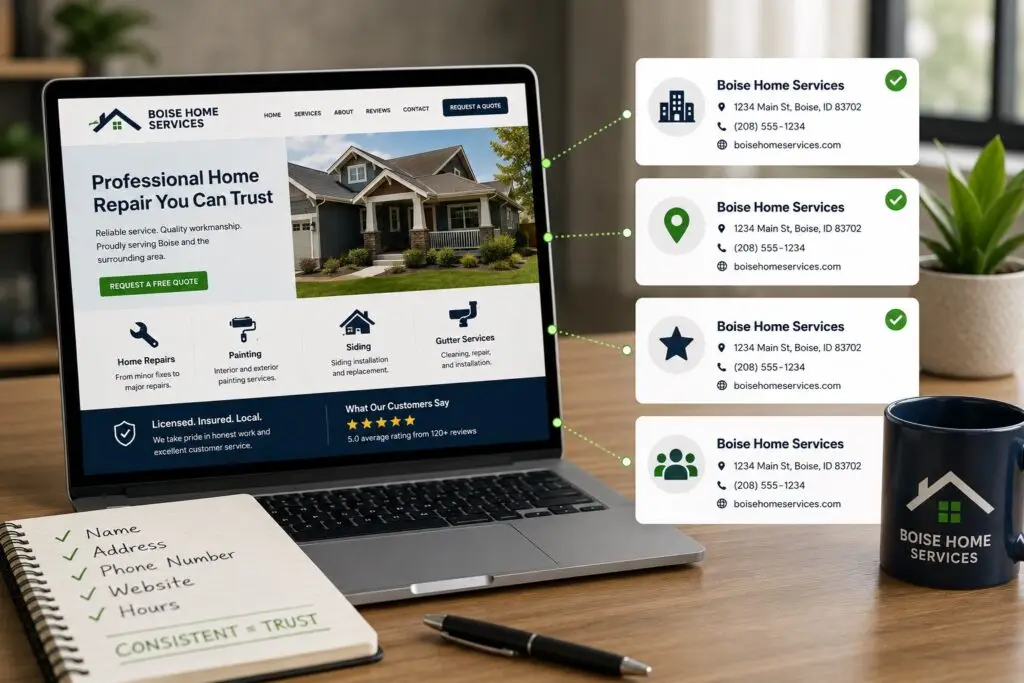
- Avoid trademark infringement. Check existing brands and social media handles.
- Consider local SEO: include a city or service keyword only if it reads naturally (for example, boiseplumbing.com).
Managing your registrar account
Your registrar is the company where you register the domain. Use a reputable registrar, enable two-factor authentication (2FA), and keep contact info current. Turn on domain locking to prevent unauthorized transfers. Use auto-renew or calendar reminders to avoid accidental expiration, and keep payment details up to date.
Common DNS management tasks for business owners
- Pointing your domain to a new web host: update the A record or change nameservers as instructed by your hosting provider.
- Setting up professional email: add or update MX records and SPF/DKIM TXT records to reduce spam tagging and improve deliverability.
- Creating subdomains: use A or CNAME records for shop.yourdomain.com or jobs.yourdomain.com.
- Managing TTL (time to live): lower TTL when you plan changes (so updates propagate faster), then raise it back to improve caching.
DNS propagation and downtime
When you change DNS, it can take time for changes to appear worldwide. This is DNS propagation. Depending on TTL and ISP caches, changes can take minutes to 48 hours. To minimize disruption, schedule updates during low-traffic hours, lower TTL ahead of the change, and coordinate with hosting and email providers.
Security and reliability
Protect your domain and DNS like you protect your business. Best practices include:
- Enable DNSSEC if supported to prevent certain attacks that hijack DNS responses.
- Use strong, unique passwords and 2FA on registrar and hosting accounts.
- Set up monitoring and alerts so you know if records change or the site goes down.
- Consider using a managed DNS provider or CDN for better uptime and faster global performance.
Email and DNS
Email problems are often DNS related. If customers say they did not receive your quotes or invoices, check MX, SPF, DKIM, and DMARC records. Properly configured DNS records improve email deliverability and reduce the chance your messages land in spam.
When to call an expert
If your site goes down, email stops, or a registrar lock prevents you from transferring a domain, call support. A web professional can quickly diagnose DNS issues, correct records, and restore service. For business owners in trades and home services, outsourcing domain and DNS setup to a trusted provider saves time and prevents costly mistakes.
Tools and resources
Use online tools to inspect DNS records and propagation: dig or nslookup for technical users, and web-based checkers like intoDNS, MXToolbox, or DNS Checker. These help you verify that A, MX, and TXT records are correct.
Conclusion
Domains and DNS are foundational to your online presence. With a well-chosen domain, careful registrar management, correct DNS records, and basic security steps, you reduce downtime, improve email reliability, and protect your brand. Small investments in domain hygiene pay off in more dependable leads and fewer interruptions to your business.
Need help choosing a domain, fixing DNS, or securing your online presence? Boise WEB specializes in affordable website design, domain management, and local SEO for small businesses and trades. Contact us today to get your domain and DNS set up correctly so you can focus on running your business.