In today’s digital landscape, form submissions are a vital component for businesses striving to generate leads, gather customer information, and facilitate communication. However, striking the right balance between encouraging form submissions and maintaining a positive user experience can be challenging. Annoying or intrusive forms can deter potential customers, leading to reduced engagement and lost opportunities. In this article, we’ll explore effective strategies to increase form submissions without annoying your visitors.
1. Simplify Your Forms
One of the primary reasons visitors abandon forms is complexity. Simplifying your forms can significantly boost submission rates.
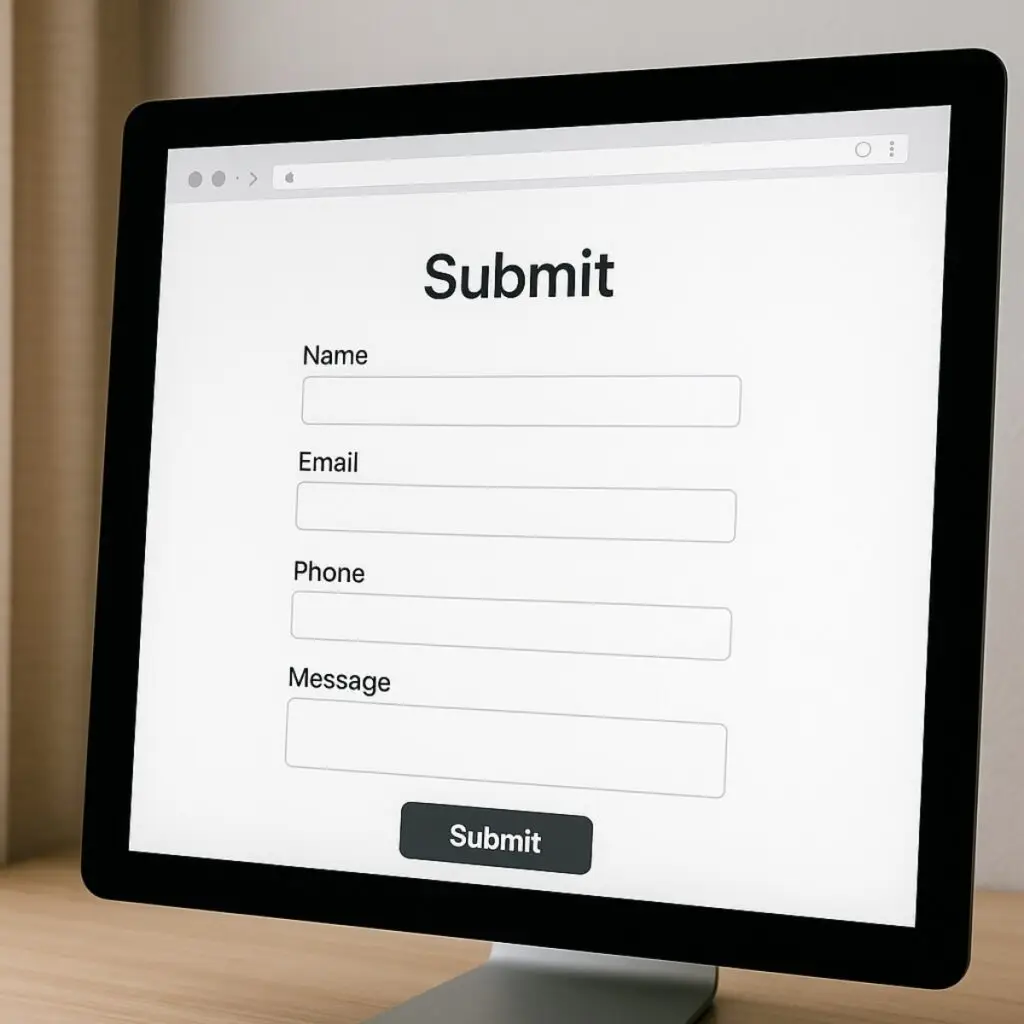
- Limit the Number of Fields: Only ask for essential information. Each additional field can increase the likelihood of abandonment.
- Use Clear Labels: Ensure that each field is clearly labeled to avoid confusion.
- Group Related Fields: Organize related information together to create a logical flow.
2. Optimize Form Placement
The placement of your form plays a crucial role in its visibility and ease of access.
- Above the Fold: Position your form where it’s immediately visible without requiring users to scroll.
- Logical Flow: Place forms in sections where users naturally expect to engage, such as after relevant content.
- Consistent Layout: Maintain a consistent layout across pages to help users know where to find forms.
3. Enhance Mobile Responsiveness
With the increasing use of mobile devices, ensuring your forms are mobile-friendly is essential.
- Responsive Design: Use responsive design techniques to ensure forms look and function well on all devices.
- Easy Navigation: Ensure that users can easily navigate through form fields on smaller screens.
- Touch-Friendly Inputs: Make buttons and input fields large enough for easy tapping.
4. Provide Clear Calls-to-Action (CTAs)
Your CTA guides users on what to do next. Clear and compelling CTAs can increase form submissions.
- Use Action-Oriented Language: Phrases like “Get Started” or “Sign Up Now” are more effective.
- Standout Design: Make CTAs visually distinct using contrasting colors and appropriate sizing.
- Position Strategically: Place CTAs where they are easily noticeable, such as at the end of the form or near key sections.
5. Implement Trust Signals
Building trust with your visitors can alleviate concerns about sharing their information.
- Privacy Policies: Clearly display links to your privacy policy near the form.
- Security Badges: Use security badges or icons to indicate that the form is secure.
- Testimonials: Including customer testimonials can enhance credibility.
6. Use Progressive Disclosure
Gradually revealing information can make forms seem less daunting.
- Step-by-Step Forms: Break down long forms into multiple steps to improve completion rates.
- Conditional Fields: Show additional fields based on user responses to keep the form concise.
7. Provide Real-Time Validation
Real-time validation helps users correct errors as they fill out the form, reducing frustration.
- Immediate Feedback: Alert users of errors instantly as they complete each field.
- Clear Messages: Use straightforward language to explain what needs to be corrected.
8. Offer Incentives
Incentives can motivate users to complete and submit forms.
- Discounts or Promotions: Offer a discount code or special offer upon form submission.
- Free Resources: Provide access to free ebooks, guides, or webinars as a reward.
9. Ensure Fast Loading Times
Slow-loading forms can lead to user frustration and increased abandonment rates.
- Optimize Images and Scripts: Reduce file sizes and eliminate unnecessary scripts to speed up loading.
- Use Caching: Implement browser caching to improve load times for returning visitors.
10. Test and Iterate
Continuous testing helps identify what works best for your audience.
- A/B Testing: Experiment with different form layouts, CTA texts, and designs to determine what yields the highest conversion rates.
- User Feedback: Collect feedback from users to understand their pain points and improve form usability.
- Analytics: Use tools like Google Analytics to track form performance and identify areas for improvement.
Conclusion
By implementing these strategies, you can effectively increase form submissions on your website without annoying your visitors. Simplify your forms, enhance user experience, and build trust to encourage more engagement and drive your business growth.
Contact Boise WEB today to help optimize your website forms!