
Common technical terms
- CMS: Content Management System, software to create and manage digital content.
- Responsive design: Layout that adapts to phones, tablets, and desktops.
- SSL: Secure certificate that enables HTTPS and protects customer data.
- Hosting: Service that stores your website files and serves them to visitors.
Key criteria to evaluate
- Business goals: E-commerce needs (product catalogs, payments, shipping) differ from lead-gen sites (forms, calls-to-action, local SEO).
- Budget: Consider upfront build cost, monthly hosting/subscription fees, plugin costs, and ongoing maintenance.
- Technical skill and ownership: Do you want a DIY builder or a platform a developer manages? Will you own the site and content?
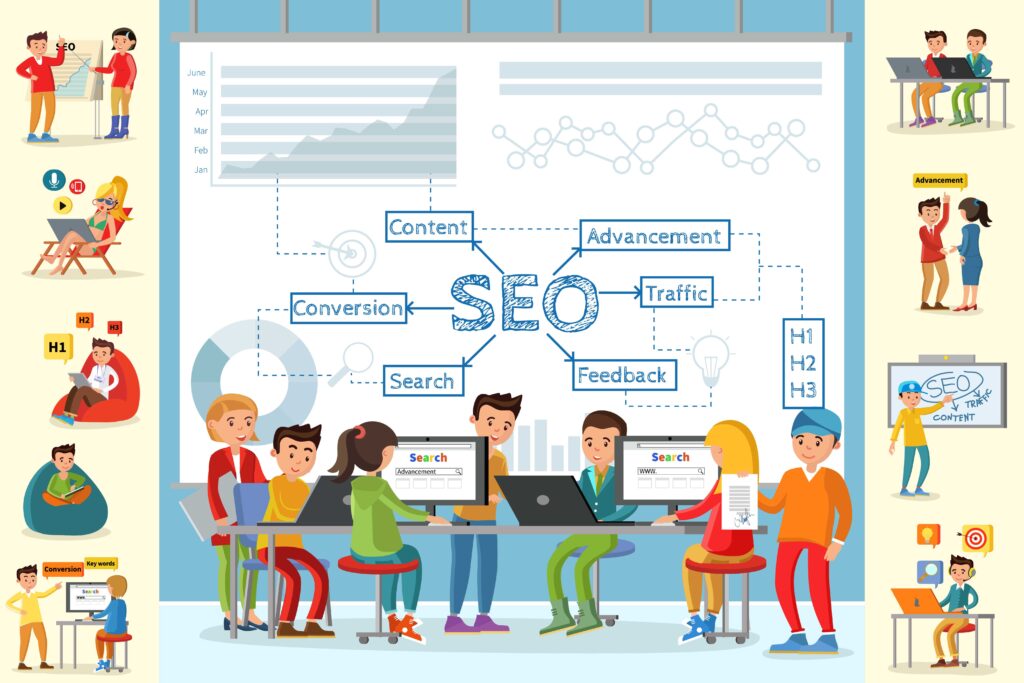
- SEO and marketing: Check capabilities for on-page SEO, URL control, meta tags, site speed, and integrations with analytics and email marketing.
- Scalability and performance: Will the platform handle more traffic, products, or content as you grow?
- Security and backups: Look for SSL support, routine backups, and platform security practices.
- Integrations: Can the platform connect to CRM, accounting, booking systems, or third-party apps you need?
Platform types and when to use them
WordPress (self-hosted)
Best for flexibility and SEO. WordPress is a content management system (CMS) that powers a large share of the web. With the right theme and plugins you can build anything from a simple service site to a robust e-commerce store. Benefits: strong control over URLs and metadata, many plugins for SEO and performance, and full ownership of content. Considerations: requires hosting, updates, and basic maintenance or a support plan.
Shopify
Best for pure e-commerce businesses. Shopify handles hosting, payment processing, and inventory management out of the box. It reduces technical headaches and has many built-in sales features. Considerations: monthly fees and transaction fees, and less control over some technical SEO elements compared to WordPress.
Wix and Squarespace
Best for simple brochure sites and small businesses that want an all-in-one solution. These hosted site builders are user-friendly and include templates, hosting, and support. Ideal for contractors or tradespeople who want a professional site quickly without hiring a developer. Considerations: less flexibility and fewer advanced SEO options than WordPress.
Webflow
Best for design-forward sites where visual control matters. Webflow blends visual design with CMS features and produces clean code. It’s a good middle ground for designers and agencies. Considerations: steeper learning curve and higher cost for complex functionality.
Custom-built
Best for highly specialized applications, complex integrations, or unique workflows. A custom site gives full control but has higher upfront cost and requires long-term developer support.
Practical decision checklist
- Define primary objective: sales, leads, bookings, or branding.
- List must-have features: online payments, appointment scheduling, gallery, or blog.
- Estimate budget for build, hosting, and monthly maintenance.
- Decide who will update content: you, an employee, or an agency.
- Check integrations needed: QuickBooks, Mailchimp, Google Analytics, or industry tools.
- Evaluate SEO requirements: local citations, schema, fast load times, mobile-friendly design.
- Ask about migration: can content be moved if needs change later?
Tips for small trades and home service businesses
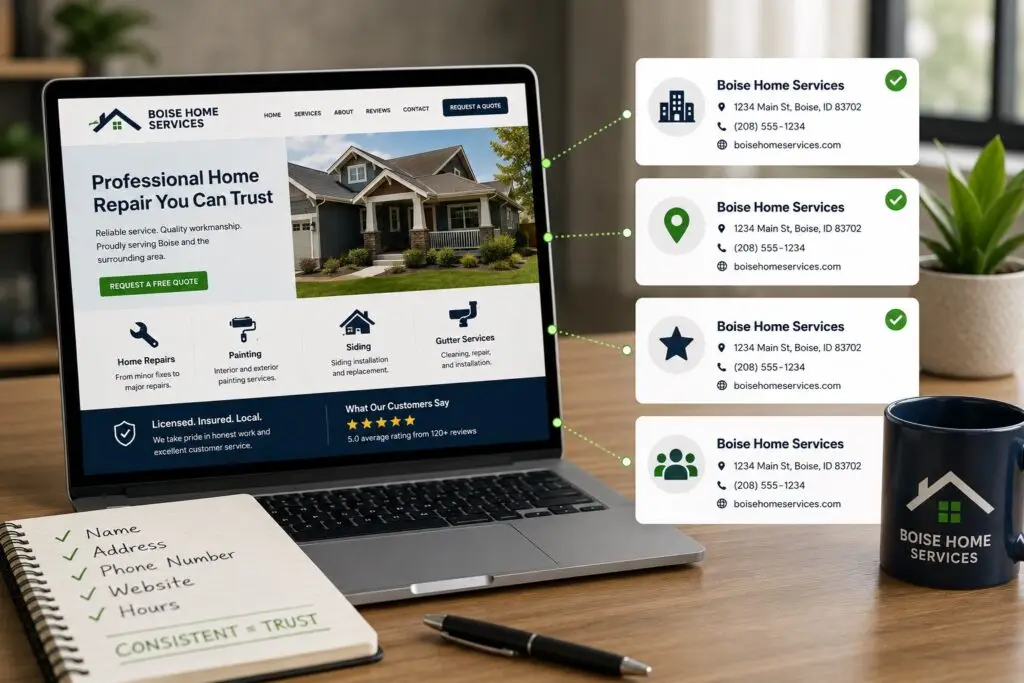
If you run a trade or home services business, prioritize these items: a clear phone number on every page, fast mobile performance, local SEO (Google Business Profile and local schema), easy ways for customers to request estimates, and service area pages that communicate where you work. For most small service businesses, a well-configured WordPress site or a high-quality Squarespace/Wix site will meet needs while keeping costs reasonable.
Migrations and futureproofing
Expect to revisit your platform every 3-5 years as your business grows. Choose platforms with clear export options, or hire professionals to handle migration. Keeping content organized and having a single source of truth for images, text, and customer data will speed any future moves.
Why choose a local partner
Working with a local web design partner who understands local SEO and the needs of small businesses makes a difference. Boise WEB builds WordPress-based websites, handles local SEO and hosting, and focuses on clear communication, transparency, and affordable solutions for trades and home-service businesses. We help you pick a platform that fits your budget, timelines, and growth plans.
Conclusion
There is no single “best” platform. The right choice depends on your business goals, budget, technical comfort, and growth plans. Use the checklist above, match the platform strengths to your priorities, and plan for hosting, security, and maintenance. A thoughtful platform choice will save money, reduce headaches, and position your business to attract more customers online.
Need help choosing or building the right site? Schedule a free consultation with Boise WEB to discuss platform options, local SEO, and an affordable plan that fits your business.