Online reviews influence search rankings, conversion rates, and customer trust. For trades and home-service businesses, a steady stream of authentic reviews can mean more bookings and higher perceived reliability. But customers value respect; pushy, repetitive, or overly transactional review requests can create discomfort and even backfire. The goal is to make leaving feedback effortless and voluntary.
Best practices for requesting reviews
- Ask at the right moment – Request a review when the customer has just experienced the value of your service: right after a completed job, a successful consultation, or delivery. Fresh, positive impressions produce better, more detailed reviews.
- Be specific and sincere – Explain why the review matters: it helps your team grow, helps other customers find quality service, or supports a local small business. Authenticity reduces discomfort.
- Make it easy – Send a direct link to the review page (Google, Facebook, Yelp, or industry-specific platforms). Fewer clicks equals higher response rates.
- Offer choices – Let customers pick their preferred platform. Some clients prefer Google; others use Facebook. Allowing options removes pressure to perform on a particular site.
- Keep it short – Short, clear asks are less intrusive. Long messages feel burdensome and are less likely to be acted on.
- Respect privacy and timing – Avoid late-night requests or frequent reminders. A single polite follow-up is fine; repeated messages can feel aggressive.
- Follow platform rules – Never offer money or incentives for positive reviews. Many platforms prohibit solicitation tied to compensation and may remove reviews or penalize accounts.
Channels and formats that work
Pick the channel your customers already use. Trades and home service clients often respond well to:
- Text message with a direct review link (high open rates)
- Email with a brief thank-you and a button to review
- Paper cards or receipts handed in person with a short URL or QR code
- Automated post-service systems that send a timed request via email or SMS
Automation can scale your requests, but keep messages personalized. Include the customer name, job details, and the technician or staff member who served them.
Simple, comfortable script examples
Use these short templates as a starting point. Keep language conversational and brand-aligned.
- Text: “Hi [Name], thanks for letting us serve your [service]. If you have a minute, would you share how we did? Here is a quick link: [review link]. Thanks, [Company]
- Email: “Hello [Name], we appreciate the opportunity to work on your [project]. If you were satisfied, a short review on Google helps others find trusted local pros. Leave feedback here: [link].”
- In person: “If you were happy with our work, would you consider leaving a quick review? It really helps our small business.”
Handling incentives and legal considerations
Incentives like discounts or sweepstakes can boost response rates but must follow platform guidelines and truth-in-advertising laws. Never tie rewards to positive language; if you offer an incentive, make it unconditional or apply it regardless of review sentiment. When in doubt, offer a general thank-you gesture after a review period rather than promising rewards in the review request.
Managing and using reviews strategically
- Respond promptly – Reply to positive and negative reviews professionally. Thank customers for praise and address complaints with empathy and a willingness to resolve issues.
- Monitor platforms – Use Google Alerts or reputation tools to track new reviews so you can respond quickly.
- Highlight testimonials – With permission, showcase detailed reviews on your website and local listings to build social proof.
- Learn from feedback – Use recurring critique to improve processes. Reviews are both marketing and quality-control tools.
What to avoid
- Don’t pressure customers or require a review for service completion.
- Don’t write reviews for customers or ask employees to leave fake reviews.
- Avoid blanket, impersonal mass messages that feel robotic.
Practical workflow for busy small businesses
- At job completion, thank the customer in person and mention a short review would help.
- Within 24-48 hours, send a personalized SMS or email with a direct link to review options.
- If no response, send one polite follow-up after 5-7 days.
- Log reviews, respond promptly, and share top reviews on your website and social profiles.
Following this simple workflow keeps requests consistent without becoming intrusive, and it builds a reliable review pipeline over time.
Tools to simplify the process
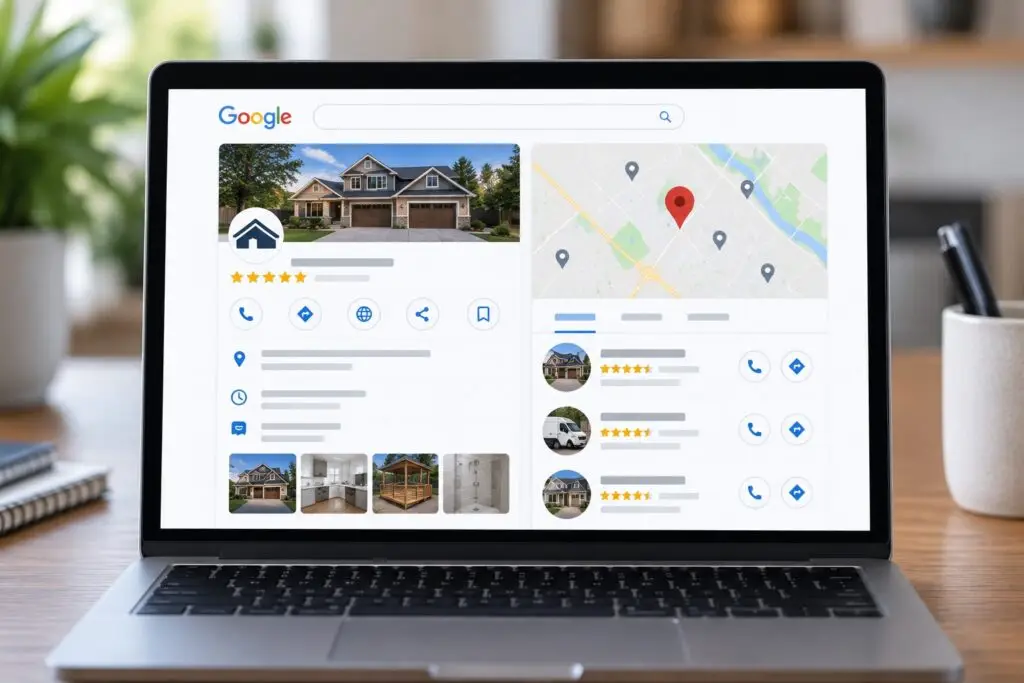
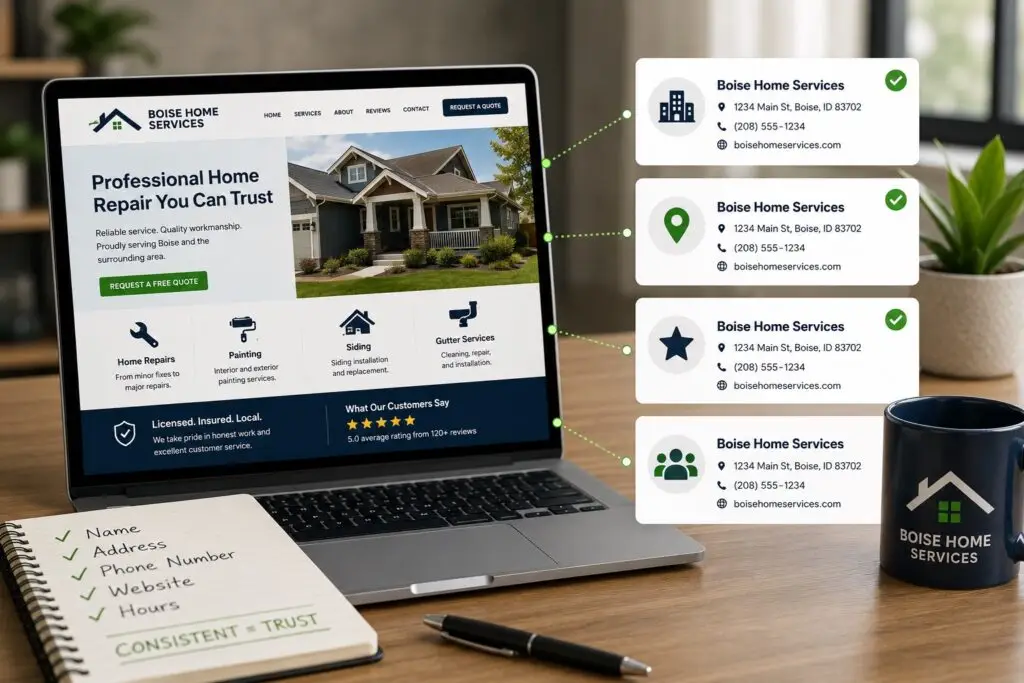
Reputation management tools, CRM integrations, and review link shorteners make review collection scalable. For local businesses focused on web presence and local SEO, pairing review requests with a well-structured Google Business Profile and a clear website testimonial section multiplies the impact of each review.
Conclusion
Asking for reviews does not need to be awkward. With the right timing, short sincere language, easy links, and respect for customer preferences, you can gather authentic feedback that improves your visibility and credibility. Avoid incentives that violate platform rules, respond to reviews professionally, and use feedback to improve your service.
If you run a small business and want help creating review-request workflows, optimizing your Google Business Profile, or building a website that showcases reviews, Boise WEB can help. We serve Boise, surrounding communities across Idaho, and businesses across the United States and Canada. Contact Boise WEB today to streamline your review process and turn customer feedback into growth.